Step 1: Start by downloading the App Called SMARTERS PLAYER LITE from the App Store.

Step 2: Open the app once downloaded and click on “Add user” then click on “Log in with Xtream Codes API“.
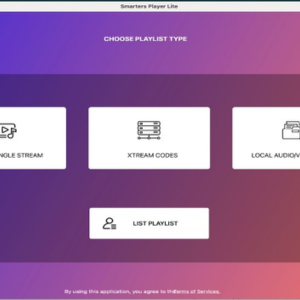
Step 3: In this step, in the first box, select any name you want for example “BritFlix”. On the second and third boxes, enter the “Username” and the “Password” and the server URL which can also be found on your LOGIN DETAILS. which will be provided by us once you sign up for a trial or Subscription. Keep an eye on Gmail and also check the spam folder after placing your order for the login details.
Get You Subscription Or a Trial
Click Here
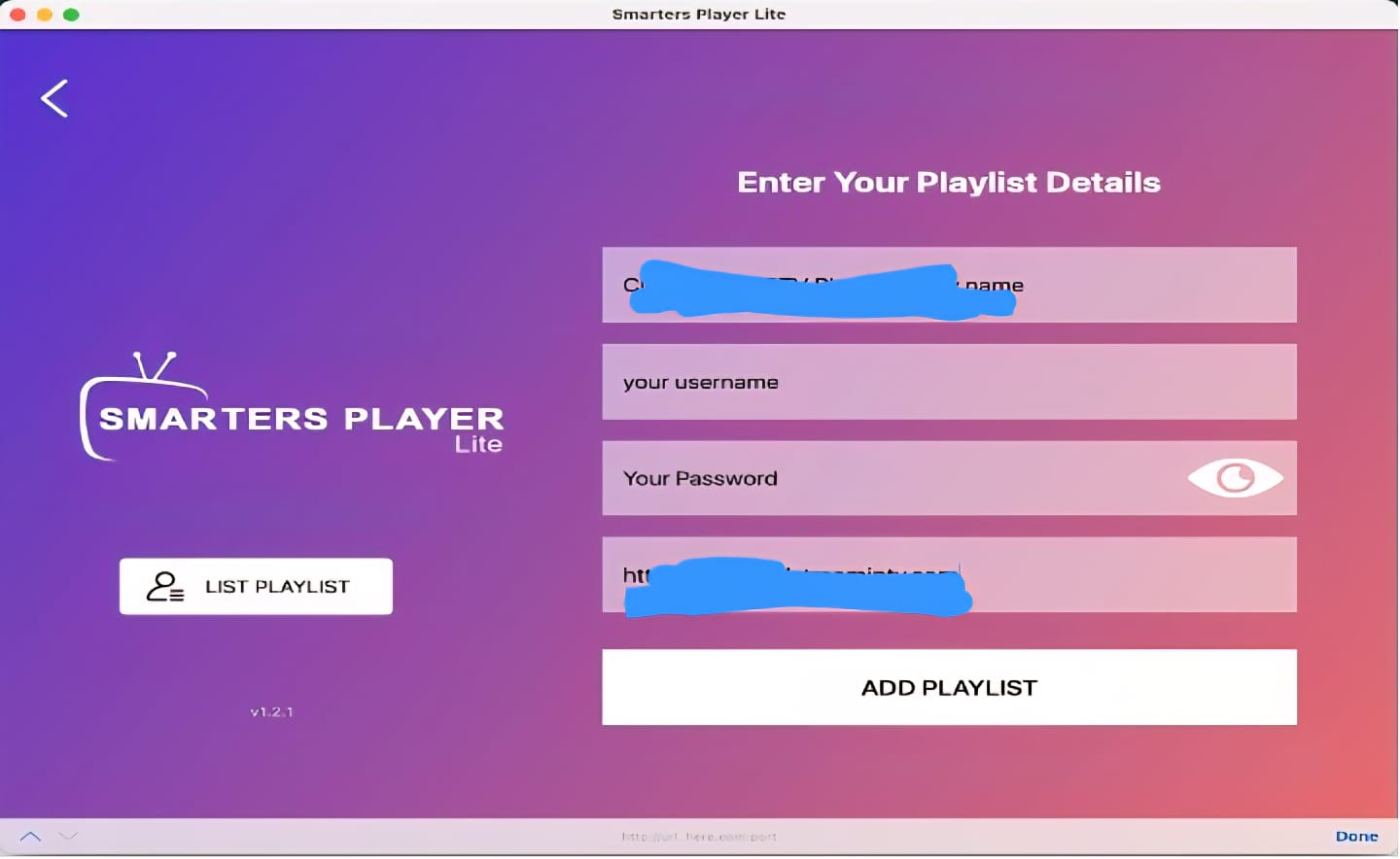
Now Click on “ADD USER” to proceed to the next section.
Step 4: Wait some seconds.
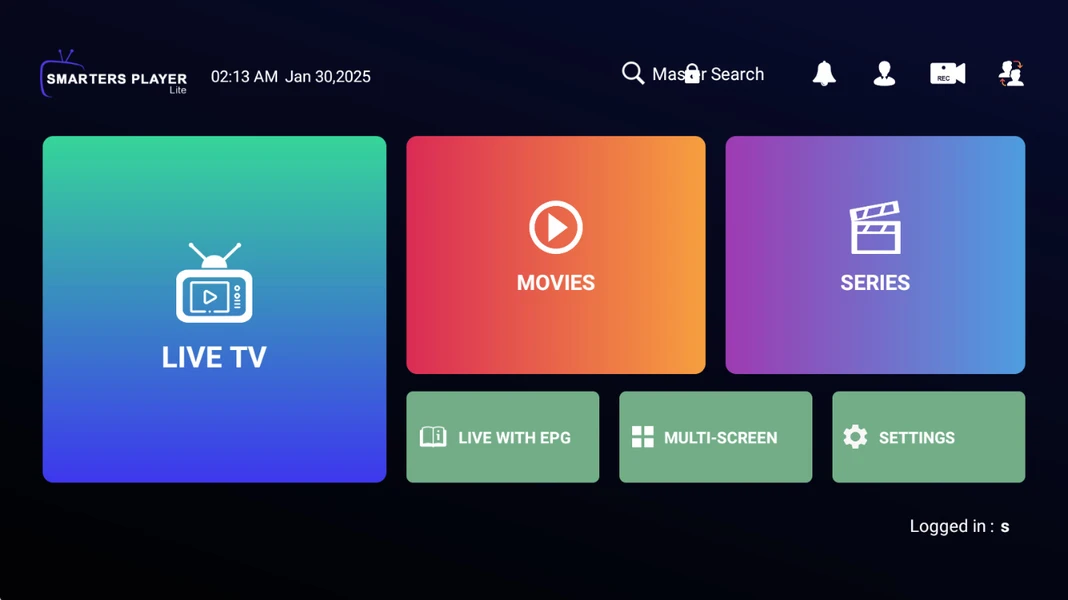
Now, your setup using your iPhone/iPad is complete, and you’re good to go! And if you face any issue while doing it all, let us know via live chat widget available on our website and our agents will guide you step by step how to setup IPTV Service on Apple Devices Like iPhone, iPad, Mac Book etc.
Leave a Reply